Convert to PDF
HEIC to PDF Converter
Convert iPhone HEIC photos to PDF when a device or portal refuses them.
- No sign-up
- Files never uploaded
- No watermark
- Up to 100 files
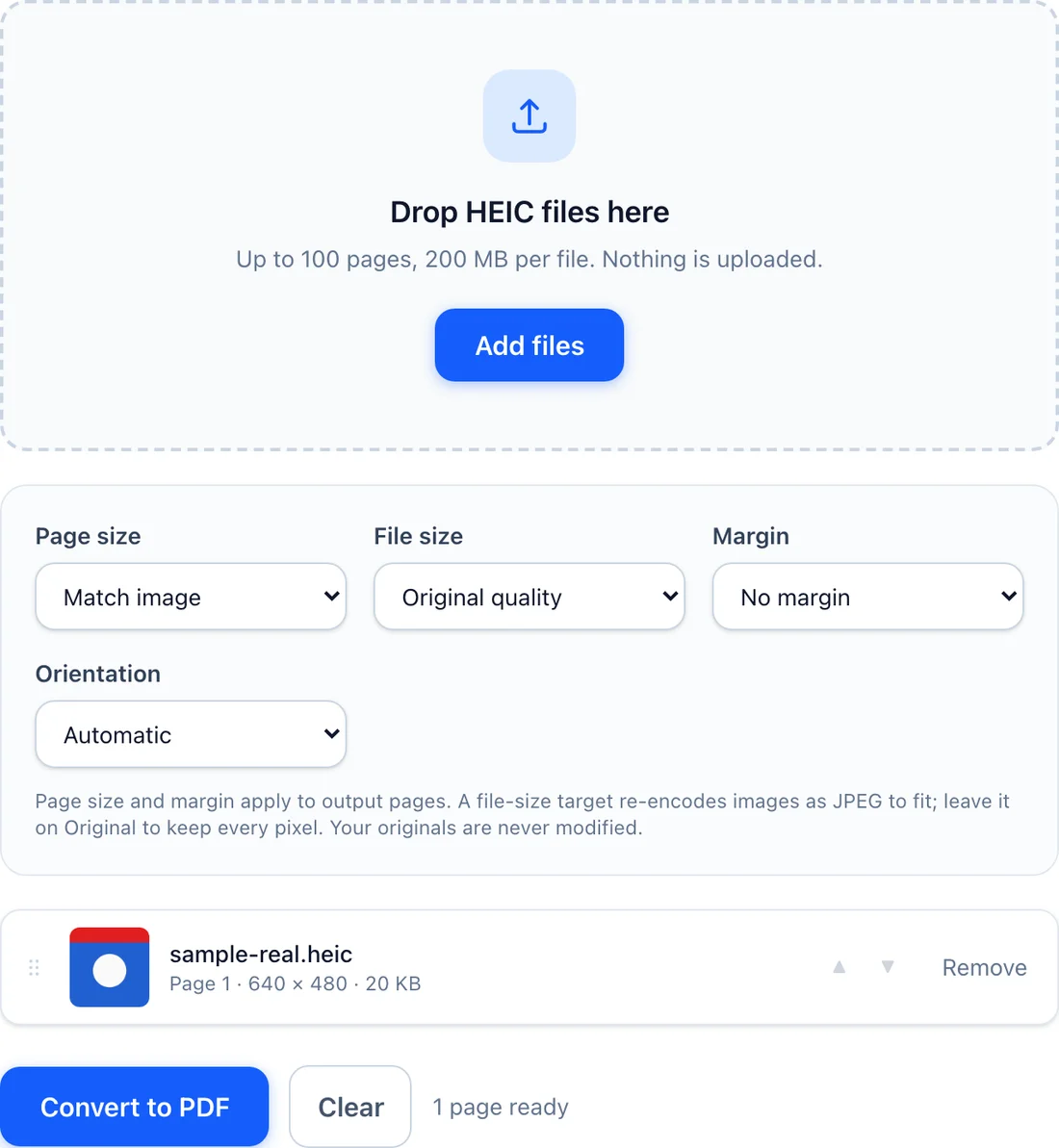
Add HEIC filesDrop HEIC files here
Up to 100 pages, 200 MB per file. Nothing is uploaded.
Page size and margin apply to output pages. A file-size target re-encodes images as JPEG to fit; leave it on Original to keep every pixel. Your originals are never modified.
Overview
Every iPhone since the iPhone 7 saves photos as HEIC. It is a genuinely efficient format — roughly half the size of an equivalent JPEG — but the compatibility picture is poor. Older Windows installations cannot open it without extra codecs, a large share of printers ignore it, and countless upload portals including government and exam systems accept JPEG and PDF only. Converting to PDF is usually the fastest route to a file that works everywhere.
Why HEIC files get rejected
A portal that validates file extensions will reject HEIC outright even though the image itself is perfectly good. That is the most common failure and converting to PDF resolves it because PDF is universally accepted.
Older Windows machines fall back to showing a broken-image placeholder. Printers frequently ignore the file entirely. Both problems disappear once the image is inside a PDF container, because the decoder required is a PDF reader rather than an image codec.
How to convert HEIC to PDF
Add your HEIC photos to the panel. Safari and other browsers with a built-in HEIC codec decode them directly; everywhere else, including Chrome, Edge and Firefox on Windows, the page loads a small decoder that runs inside your browser, so no codec or extra software is needed.
The first HEIC file on a visit downloads the decoder (about 2 MB), which is then kept for later visits. If a file still cannot be read, it may be damaged or use a rarely seen HEIC variant, such as a 10-bit or multi-image capture.
Choose a page size, convert, and download.
Works on Windows and Android too
Safari decodes HEIC natively. Chrome, Edge and Firefox generally cannot, so this page includes its own decoder, compiled to WebAssembly, and runs it locally. The result is the same on Windows, Linux, Android and macOS.
Large batches decode one photo at a time and use memory in proportion to the photo size, so convert a few dozen at once on a phone rather than hundreds.
How to convert HEIC to PDF
Add your HEIC photos
Drop HEIC files onto the drop area or press Add files. The browser’s own decoder is used where it exists, and a built-in decoder otherwise.
Choose the page size
Match image keeps the original photo dimensions. Choose A4 or US Letter if the pages need standard paper dimensions.
Convert
Press Convert to place each photo on its own page.
Download and share
Download the PDF. It opens on any device and is accepted by portals that reject HEIC.
Frequently asked questions
Why will my HEIC file not load?
The first HEIC file needs a small decoder download (about 2 MB), so it can take a moment on a slow connection. If it still fails, the file may be damaged, cut off during transfer, or a rare variant such as a 10-bit or multi-image capture. Re-export it from the phone as a copy and try again.
Will converting HEIC to PDF reduce photo quality?
No additional loss is introduced. The photo is decoded once by the browser and embedded losslessly, so nothing further is degraded. The PDF can be larger than the HEIC file, because HEIC is a more compact format.
Does this work on Windows?
Yes. Windows browsers cannot normally open HEIC, so this page ships its own decoder that runs inside the browser. You do not need the Microsoft HEIF extension or any other software, and the photo is not uploaded.
Can I combine several HEIC photos into one PDF?
Yes. Add up to 100 images and each becomes one page, in the order shown in the panel.
Why did my upload portal reject the photo?
Most portals validate the file extension and accept only JPEG and PDF. Wrapping the image in a PDF container satisfies that check, which is the standard workaround for HEIC uploads.
Is there a watermark or file size limit?
No watermark is added. You can add up to 100 images of up to 200 MB each, and they are processed locally on your device.
Guide
- How to convert HEIC to PDF on Windows
iPhones save photos as HEIC, and Windows cannot open them without extra codecs. Here are three ways to get a PDF: convert in the browser with nothing installed, install Microsoft’s HEIF and HEVC extensions and print to PDF, or set the iPhone to save JPEG in future.
Related converters
- JPG to PDFTurn JPEG photos and scans into a single ordered PDF document.
- Image to PDFEvery supported image format into one PDF, in the order you choose.
- PNG to PDFCombine PNG images into one multi-page PDF, preserving full resolution.
- PDF to JPGRender PDF pages as smaller JPEG images for sharing and web use.